
A practical guide to scalability, integration, and long-term risk.
Most mid-market and enterprise support teams don’t choose fragmentation. Over time, it creeps in as they add voice, chat, ticketing, and analytics tools. Although each system may do its job on paper, in practice, leaders end up with inconsistent customer experiences, weaker quality assurance (QA), and declining customer satisfaction. As volume grows, this patchwork becomes increasingly hard to govern.
At the same time, expectations are shifting. Boards and executive teams are no longer debating whether AI belongs in customer support—they want to know where it delivers measurable ROI and how quickly. This puts CIOs, CTOs, and CX leaders in a bind: modernize too cautiously and risk falling behind, or move too fast and absorb unnecessary complexity and change-management risk.
Against this backdrop, platform decisions carry long-term consequences. For leaders evaluating enterprise-ready customer support tools, what matters is scalability, integration depth, and long-term viability. The goal isn’t to crown a single winner but to make a defensible decision about which platforms can realistically support growth and deliver better customer outcomes.
Key takeaways
- Fragmentation increases risk as support scales
- Voice-first AI drives measurable support ROI
- Integration depth matters more than features
- Unified platforms simplify governance and operations
Top 5 customer support tools for enterprise teams
At enterprise scale, customer support software is less about features and more about operational fit. That means it must balance uptime, compliance, integrations, and adoption risk across all teams.
The table below highlights how five top customer service solutions perform once volume and complexity kick in.
| Platform | Omnichannel communication | Compliance controls | AI-powered insights | Automation/self-service | Integrations |
| RingCentral | Voice, SMS, chat, email, social | Global, enterprise- grade | Voice-first AI, QA, summaries | IVR, routing, chatbots, callbacks | Deep UCaaS and CRM stack |
| Zendesk | Email, chat, social, voice (optional) | Solid, mature controls | Ticket and agent analytics | Help center, bots, flows | Large app marketplace |
| Freshdesk | Email, chat, phone, social | Adequate for mid-market | Basic AI and automation features | Ticket rules, bots | Broad SaaS connectors |
| Intercom | Chat-first, messaging led | Limited for regulated organizations | Conversational AI | AI chatbots and guided flows | CRM- and dev-tool friendly |
| Salesforce Service Cloud | Full omnichannel | Very strong | Einstein analytics | Advanced workflows | Native Salesforce ecosystem |
1. RingCentral
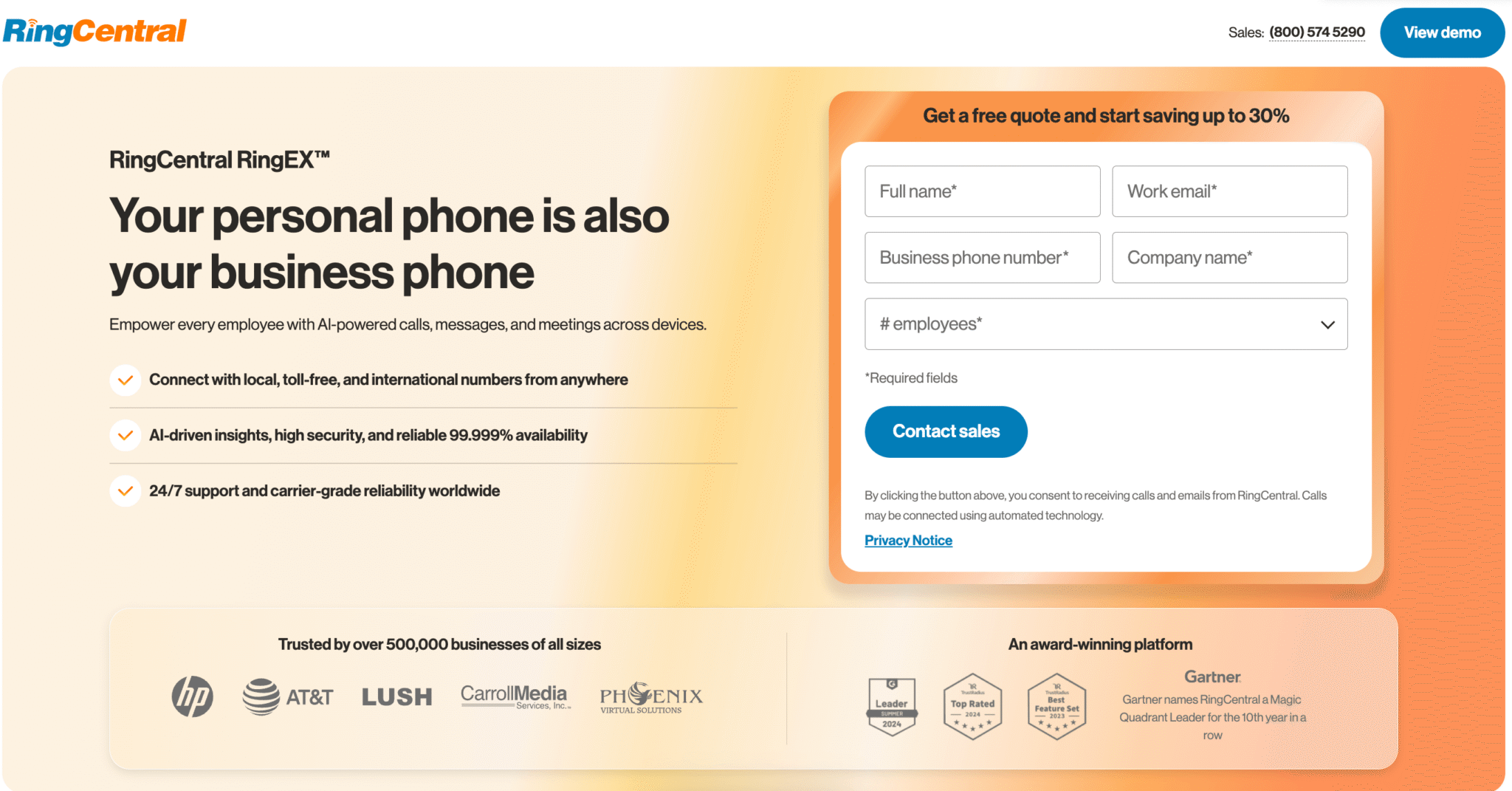
RingCentral serves small businesses as well as mid-market and enterprise customer support teams that need reliable customer support, voice, and internal communications on a single platform. It combines enterprise-grade voice, unified messaging, and workflow automation to reduce missed interactions, improve visibility, and support teams across distributed locations.
RingCentral’s Customer Engagement Bundle makes this convergence possible. Voice is native, not layered on later, and AI focuses on the channel where enterprise support volume is highest.
Key capabilities
- Unified omnichannel support: Keep voice, SMS, chat, and email in one workflow to reduce handoffs and missed interactions.
- Enterprise voice reliability: Support high call volume across distributed teams.
- Voice-first AI insights: Extract summaries, sentiment, QA, and trends from real calls.
- Intelligent routing: Assign interactions by skills, context, and priority to maintain consistent service.
- Automation and self-service: Use IVR, callbacks, and workflows to lower agent load and increase efficiency.
- Enterprise-grade compliance features: Centralize controls to simplify governance in regulated environments.
- Native UCaaS and CRM integration: Reduce your number of systems and handoffs for improved visibility across teams.
The move away from separate voice and support stacks is accelerating. A 2025 Future Market Insights report projects the unified communications and collaboration market will grow at a CAGR of 11.8% over the next decade, reaching $324.9 billion by 2035. As expectations rise around reliability, governance, and AI-driven efficiency, platforms that consolidate voice and support—like RingCentral—are becoming increasingly essential.
2. Zendesk
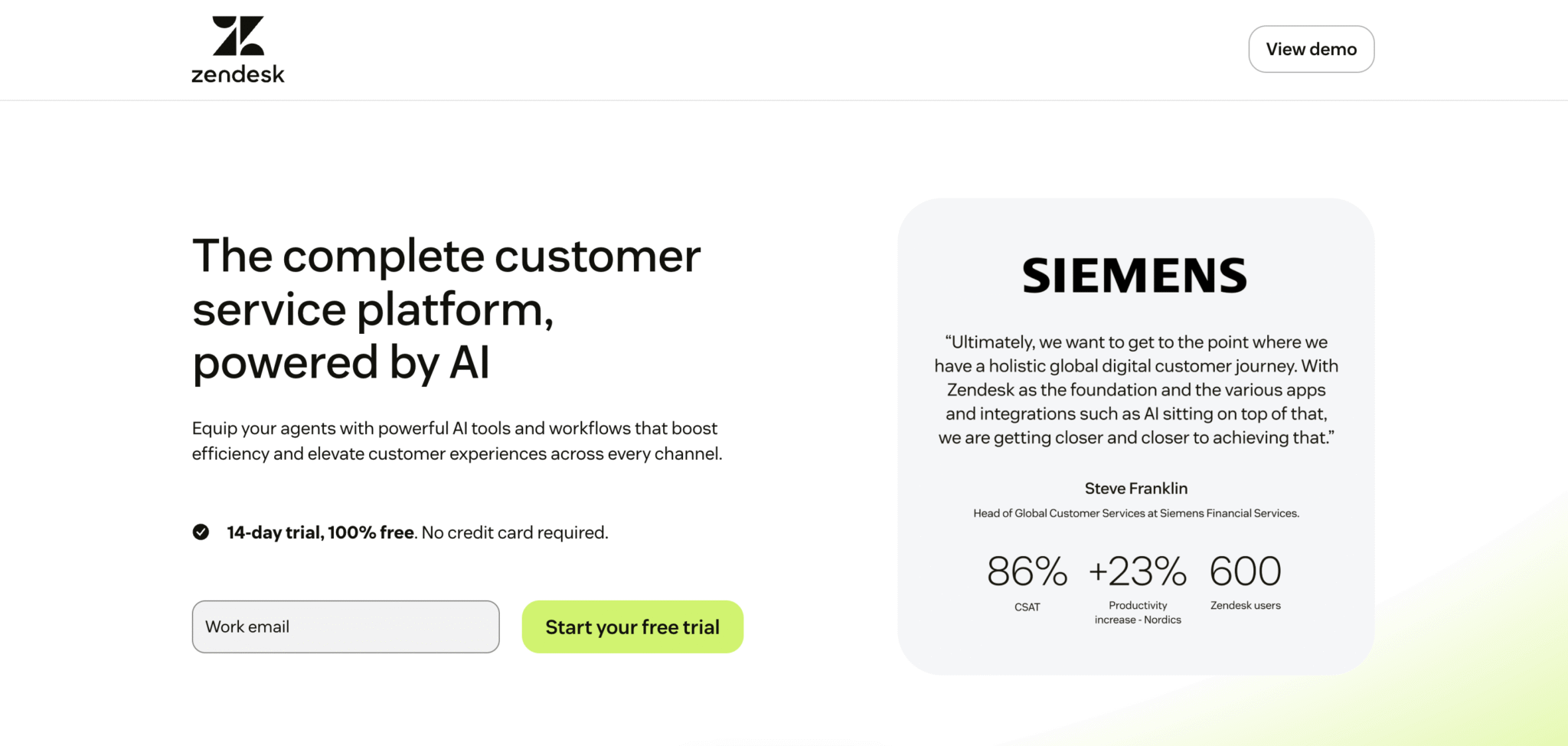
Zendesk organizes ticket-based support for teams that handle most interactions via email and chat. Its user-friendly interface and structured workflows make it appealing to organizations that need predictable processes and fast adoption.
Key capabilities
- Structured ticket-based support: Maintain clear workflows, queues, and case management while tracking customer feedback.
- Multi-channel coverage via extensions: Add email, chat, social, and voice as needed.
- Broad SaaS connectivity: Integrate adjacent tools through a large app ecosystem.
While Zendesk excels at structured ticketing and onboarding, teams that rely heavily on voice or need a fully unified omnichannel experience may find the platform’s add-on approach limits scalability.
3. Freshdesk
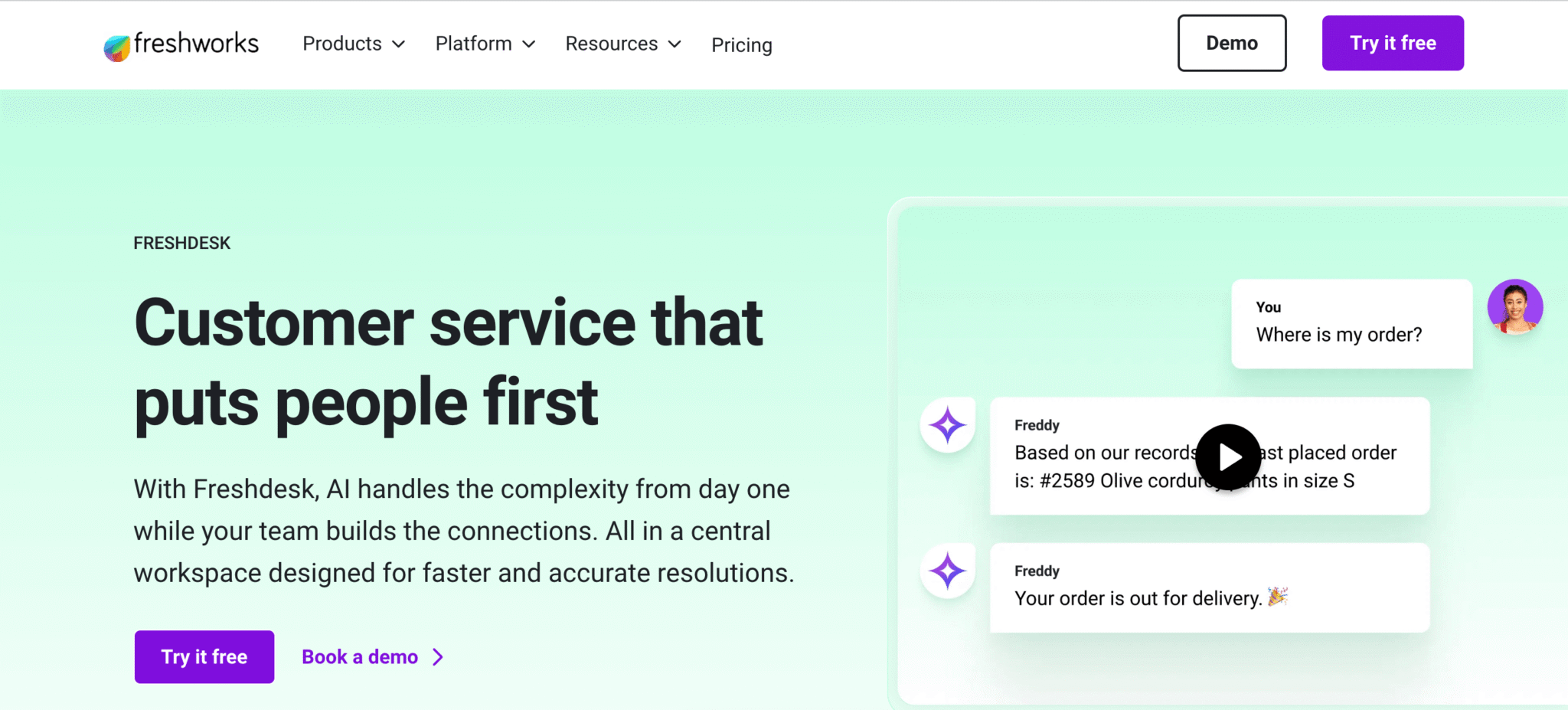
A help desk software and a ticketing system, Freshdesk manages customer inquiries across email, chat, phone, and social channels without a heavy enterprise rollout. It offers broad coverage at a lower entry point, making it appealing to organizations balancing functionality with cost.
Key capabilities
- Solid omnichannel basics: Keep email, chat, phone, and social tickets in a single workspace.
- Built-in automation and routing: Assign, prioritize, and escalate tickets automatically to reduce manual work.
- Self-service options: Empower customers with knowledge base articles and portals for faster resolution.
Although Freshdesk provides broad coverage and workflow automation, teams needing fully unified omnichannel capabilities, especially for high-volume voice interactions, might need additional integrations or modules.
4. Intercom
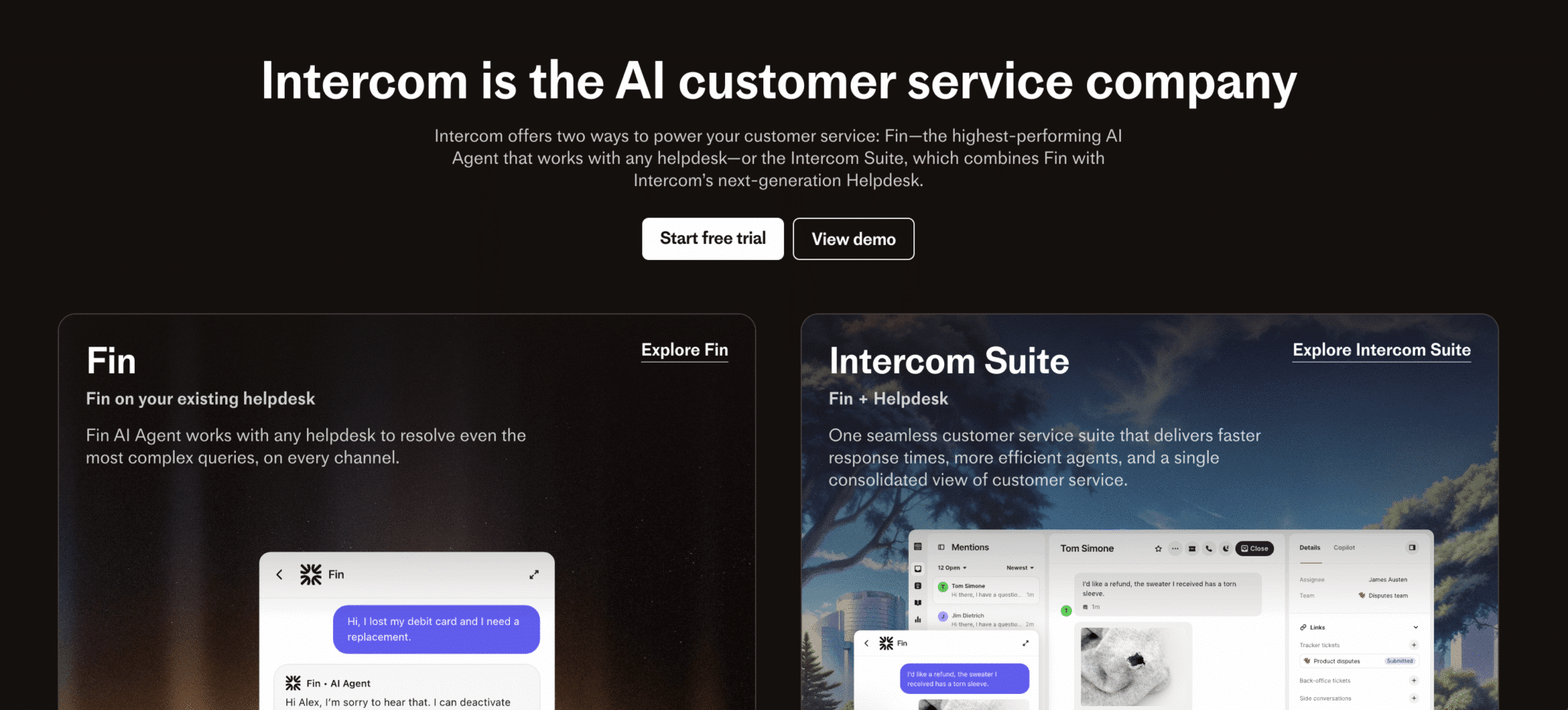
Intercom centers on real-time messaging, connecting support teams directly to customers within the product. It’s commonly used by product-led organizations where chat is the primary channel for interaction and where support, onboarding, and growth are closely intertwined.
Key capabilities
- Messaging-first engagement: Connect customer conversations directly to product usage for context-rich support.
- Automated conversation flows: Use bots and guided paths to handle routine interactions.
- Product and engineering alignment: Align support with engineering and product workflows to resolve issues faster.
Intercom excels at real-time messaging and product-focused support, but organizations that require voice capabilities or a fully unified omnichannel approach will likely find that the chat-first design limits scalability.
5. Salesforce Service Cloud
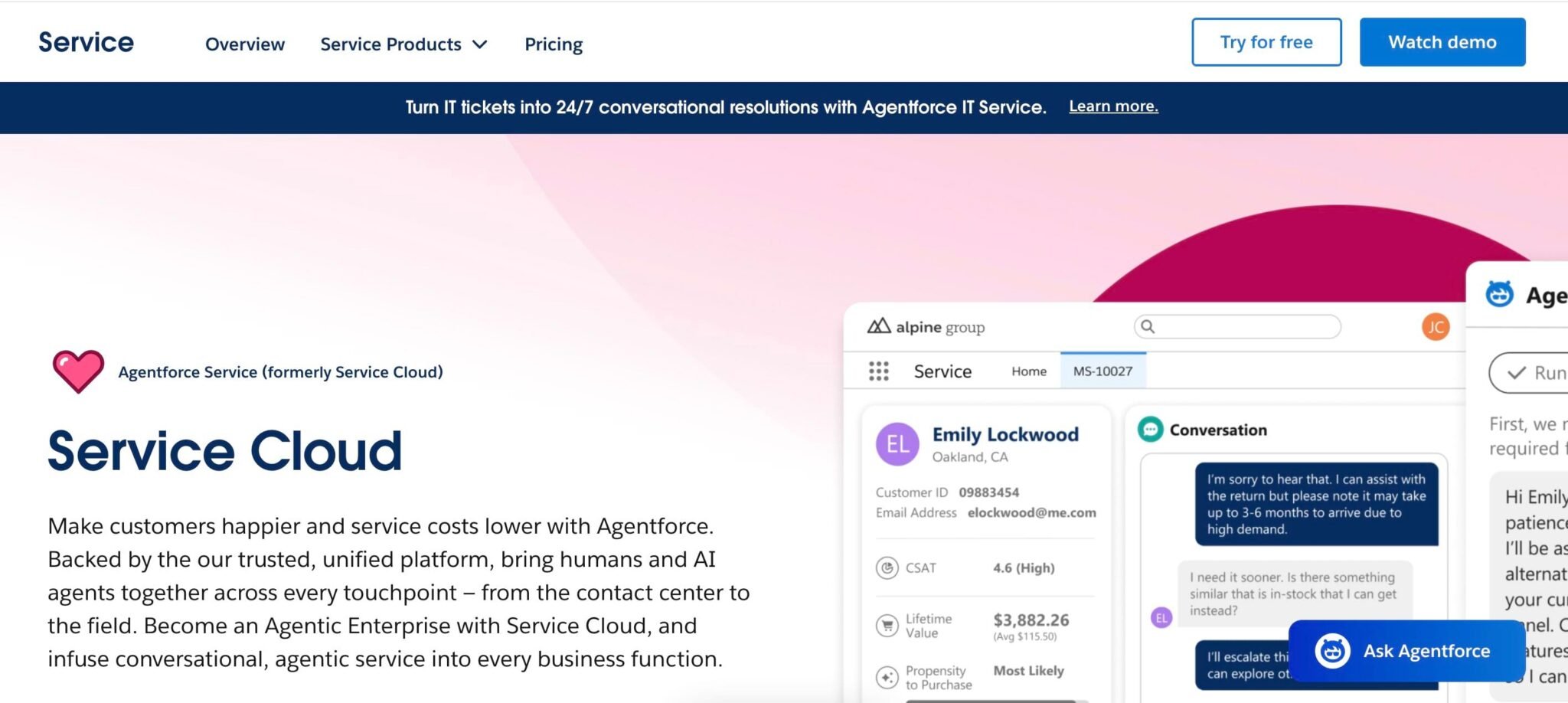
As a CRM-centered customer support platform, Service Cloud unifies data across sales, service, and operations, giving teams a consistent view of customer interactions. Organizations already invested in the Salesforce ecosystem value it for connecting service and sales processes.
Key capabilities
- CRM-centered operations: Anchor support workflows directly in Salesforce data for consistent context.
- Advanced workflow orchestration: Automate complex case logic and internal processes.
- Enterprise compliance and security: Meet audit-heavy requirements with built-in governance and controls.
While Service Cloud delivers deep integration and enterprise-scale features, teams without existing Salesforce adoption or those seeking a lighter, faster-to-deploy solution often face higher implementation complexity and ongoing governance demands.
What are the top features to look for in customer support tools?
At enterprise scale, feature checklists stop being useful. What matters is which capabilities actually reduce operational risk as volume and teams grow.
The features below reflect what leaders consistently focus on when evaluating platforms built for complex support environments.
Omnichannel communication and routing
True omnichannel support ensures routing, context, and history travel with the customer. As ecommerce channels expand, teams need customer service software that manages customer questions across voice, chat, and messaging platforms like WhatsApp.
Without this continuity, agents waste time re-asking questions, and customers notice every handoff. Effective platforms handle orchestration at the system level with:
- Unified routing logic that applies consistently across channels, including voice
- Conversation context that follows the customer, not the channel
- Clear ownership and escalation rules that prevent dropped or stalled interactions
At scale, customer success depends on keeping routing and context intact across channels.
AI-powered automation and insights
As support volume grows, manual QA and reporting simply can’t keep up. Rather than just creating dashboards, AI earns its place by automating repetitive tasks, generating summaries, surfacing trends, and flagging potential risk—without creating new failure points or customer frustration.
Voice-first AI is especially valuable because it provides consistent insights from the richest and hardest-to-analyze signals: calls. Without applied AI, leaders often rely on lagging indicators and sampled data, which can delay responses to churn and service degradation signals.
PwC’s 2025 Responsible AI survey underscores this impact, showing that nearly 60% of executives see measurable ROI and efficiency gains from AI adoption. Because these benefits can extend to customer service, including improved response times and customer retention, many teams are starting to evaluate AI as a core part of modern customer service operations.
Enterprise-grade security and compliance
Security gaps often appear only after systems scale—during audits, regulatory reviews, or expansion into new regions. Since support platforms handle sensitive customer data across channels, inconsistent controls can slow operations and limit automation or growth.
Enterprise-grade platforms address these issues by centralizing access controls, data retention, and auditability, allowing teams to scale customer service operations without reopening governance decisions each time the business grows.
Deep integrations and workflow automation
Support teams don’t operate in isolation. They rely on CRM data, billing systems, identity tools, and collaboration platforms to stay informed and resolve customer issues. Shallow integrations force support agents to jump between systems and reconcile information manually, which can create reporting gaps, avoidable errors, and rising change-management risk as processes evolve.
Platforms built for scale extend workflows beyond the support ticket itself:
- Bi-directional CRM integration so the customer state stays current everywhere
- Workflow triggers that automate follow-ups, escalations, and internal handoffs
- Embedded collaboration that reduces side channels and shadow processes
Unified architectures reduce the number of systems leaders need to govern as operations scale, allowing teams to spend less time managing tools and more time resolving customer issues.
How to select the right customer support tool for your organization
Selecting a customer service tool at enterprise scale comes down to managing long-term risk, not surface-level metrics. As a leader, you need to consider how a platform grows with your operations, how much complexity it adds, and how much it will cost to operate.
Here’s how to plan for long-term impact as your operations expand and switching gets harder.
Assess your current support infrastructure and gaps
Start by looking at how support actually runs today rather than how it appears on paper. Map where voice, chat, ticket management, and analytics live, and how often agents move between systems to resolve a single issue.
Gaps here often show up as repeated questions and manual workarounds. Worse, they rarely stay contained. As volume grows, they compound, increasing cost, friction, and governance risk long before you notice feature limitations.
Evaluate integration requirements and technical complexity
Next, examine how deeply the platform needs to integrate with your CRM, identity, billing, and collaboration tools. Shallow integrations push work onto human agents and admins, even if the UI looks clean. Custom-heavy approaches also carry long-term maintenance and change-management costs.
Integration decisions tend to outlive the initial rollout, so choose a platform that simplifies connectivity to reduce risk as your teams and processes evolve.
Build the business case for unified communications and contact center convergence
Finally, build the business case by quantifying the real cost of fragmentation. Look beyond license fees to vendor management overhead, overlapping contracts, administrative effort, and reliability risk. These costs often add up quietly as volume and complexity increase.
All-in-one platforms reduce that burden by consolidating voice, messaging, and workflows under a shared governance model. You gain clearer visibility into operations, fewer systems to manage, and a support model that scales more predictably over time.
Transform customer experience with unified support tools
As support environments grow more complex, fragmentation becomes a liability. Integrating UC, contact center, and conversation intelligence into a single platform streamlines operations and creates a more consistent customer experience across channels, regions, and teams.
Cloud-based support models make it easier to maintain reliability, security, and scale as volume grows. RingCentral reflects this approach, applying automation and voice-first where enterprise support activities actually live. The result is faster response times, better agent focus, and more consistent service quality without adding operational drag.
For teams planning beyond 2026, unified platforms offer a more durable path forward, helping maintain retention and satisfaction as operations expand. Explore RingCX to see how it can help elevate your customer interactions in just a few clicks.
The post 5 enterprise-ready customer support tools: a 2026 comparison appeared first on RingCentral Blog.