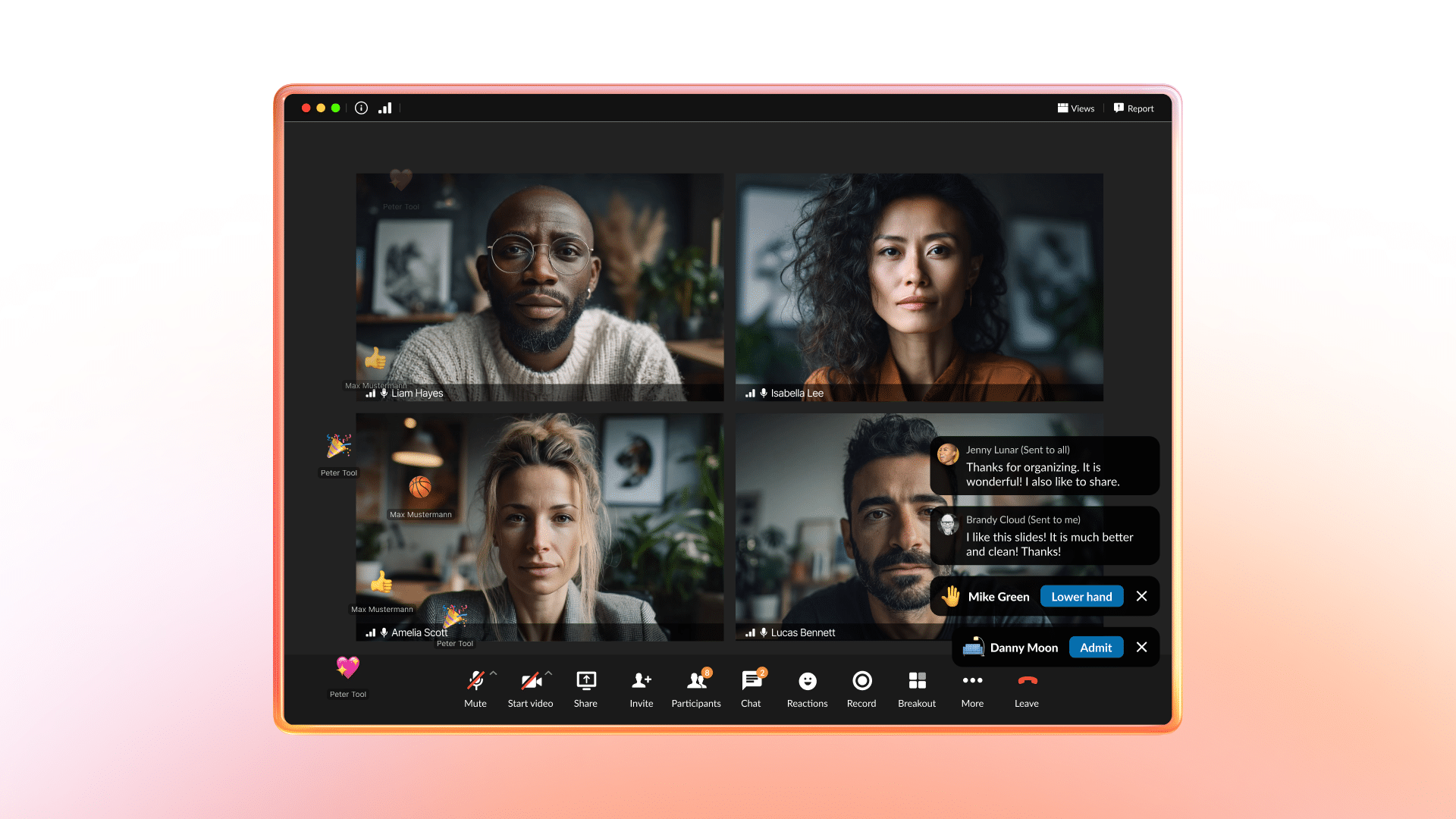
Meetings are where decisions happen—but too often, the tools get in the way. Presenters worry about sharing the wrong screen or losing their place. Laptops slow to a crawl during video calls. Side conversations spill into separate apps. And when the right person isn’t in the room, momentum stalls.
The brand-new RingCentral Video desktop application experience is built to remove that friction and designed to make meetings a more active and connected part of everyday work. It’s built for modern, AI-driven workflows, embedding intelligence directly into meetings—simplifying collaboration, increasing engagement for presenters and participants, and ensuring meetings drive real progress rather than ending when the meeting does.
Whether you’re hosting a weekly standup or a brainstorming session, the updated app is designed to make every meeting more efficient, more engaging, and, most importantly, less stressful.
The new desktop experience: built for modern workflows
The new desktop experience simplifies how teams prepare, present, and collaborate. It combines intuitive workflows, productivity-focused tools, and enterprise-grade reliability to support meetings at scale.
Here’s what’s new:
1. Make collaboration easier with smoother performance
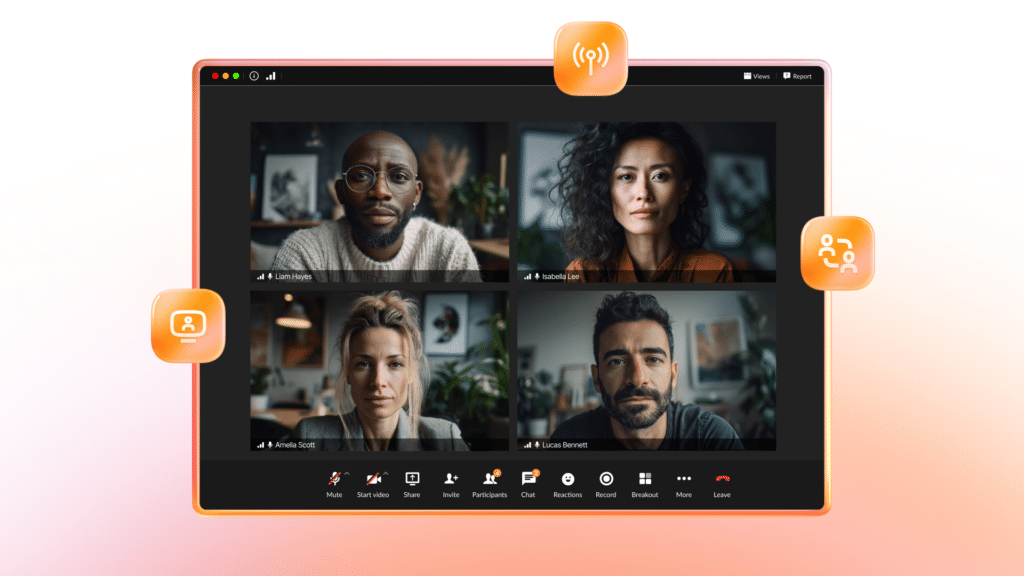
Technology should never slow you down. That’s why our new desktop experience is engineered to use significantly fewer system resources.
With lower CPU and memory usage (up to 2x lower CPU and 5x less memory consumption) meetings launch faster, run smoother, and leave you free to multitask—whether that’s taking notes, organizing your inbox, or prepping for the next topic.
If you’ve ever had to close apps just to keep your video call from freezing, you’ll notice an immediate difference with the new desktop experience. It’s fast, efficient, and built for the way you work.
2. Customize your settings & see who’s there, before you join
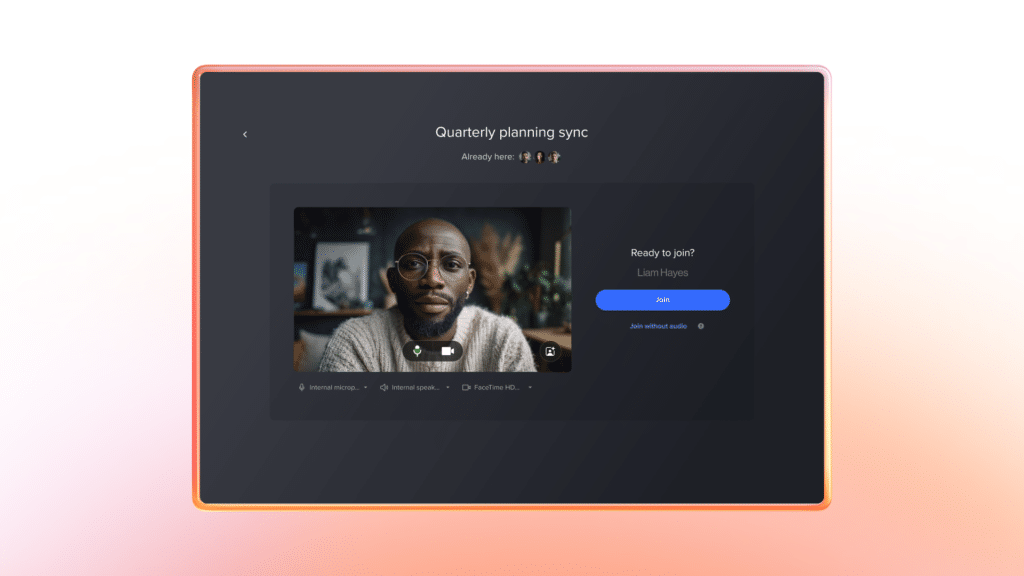
You’ve been there before: You join a meeting, and within seconds, you’re scrambling to fix your microphone or adjust the camera angle. Now, those worries are a thing of the past.
The new pre-meeting customization tools make it easy to adjust your mic, camera, and background settings before entering a meeting. In addition, you can see the attendees that are already in the meeting, allowing you to decide whether you’re needed or if a colleague has it covered.
With the guesswork out of the way, you can join every call feeling confident—and focus entirely on what matters.
3. Make it engaging with chat and reactions
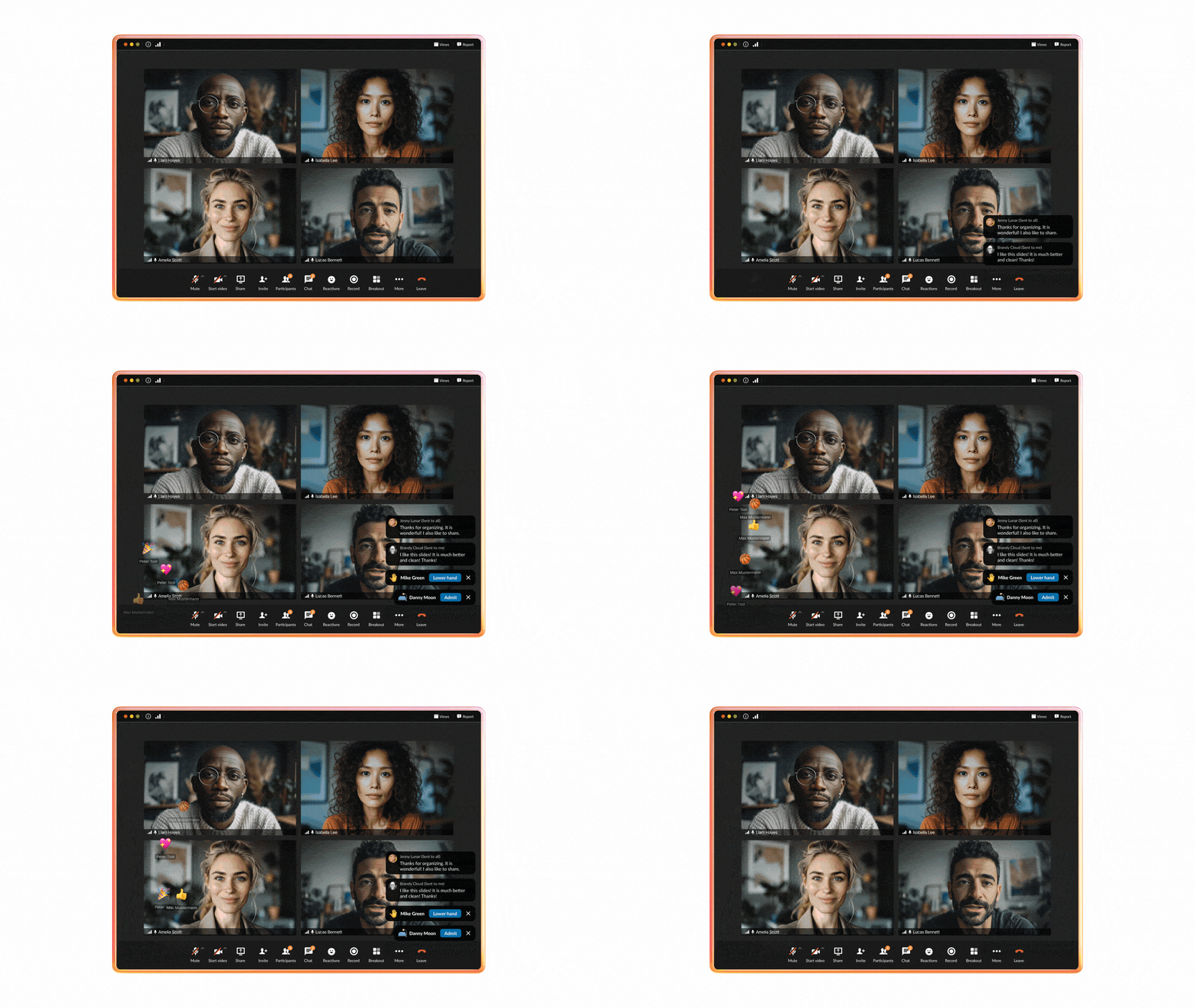
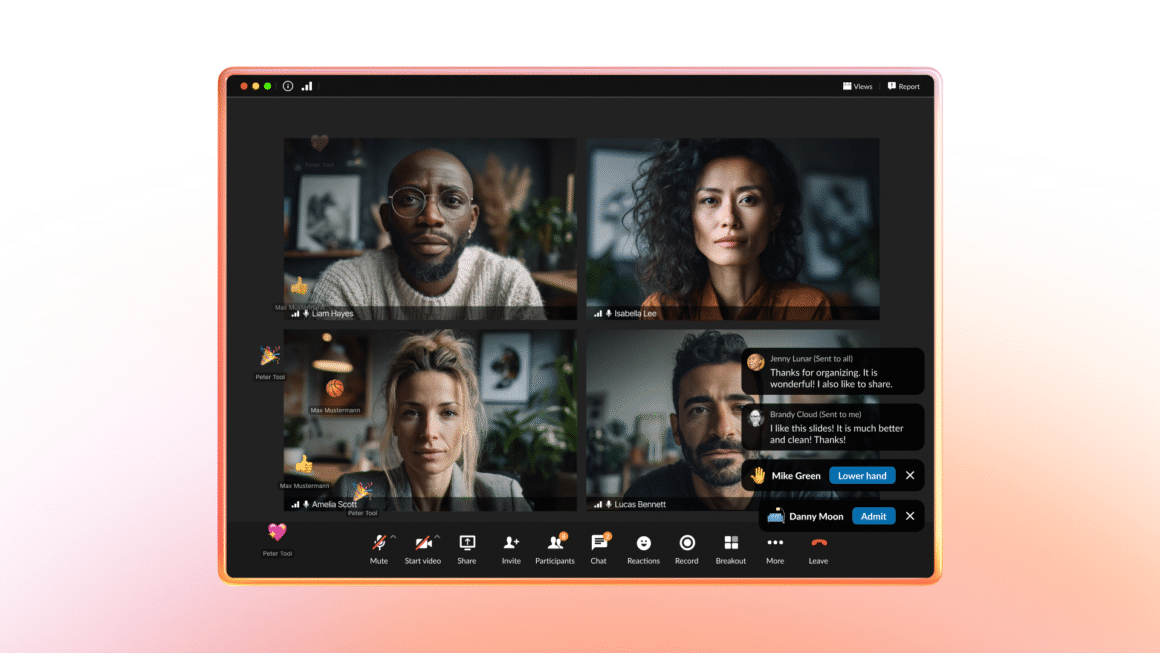
Keeping everyone engaged during virtual meetings has become essential. That’s why the new experience includes highly visible in-meeting chat and animated emoji reactions on-screen that not only make it easy for presenters to see and measure engagement, but also add an interactive, human element to every session.
Want to ask a question or share updates in real time without speaking up? Use the chat feature. Need to quickly acknowledge someone’s idea? Emoji reactions are there to help. These interactive tools make meetings not only more collaborative but also more fun, breaking the monotony of endless talking heads on screen.
4. Simplifying presentations with the new and improved presenter toolbar
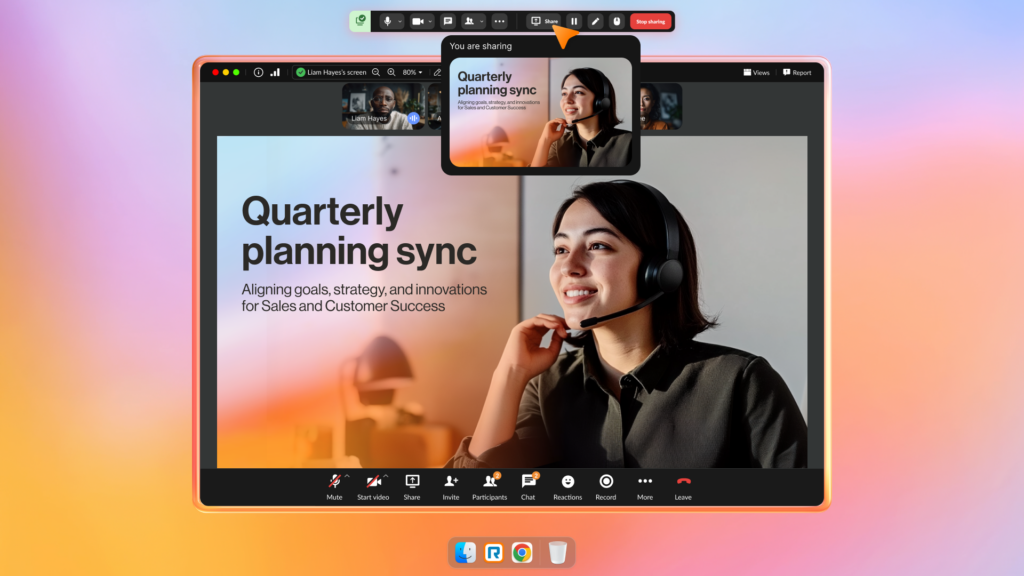
If you’ve ever shared your screen during a meeting and worried about whether everyone’s looking at the right thing—or scrambling to switch presentations—you’ll love the upgrades we’ve made to the presenter experience. The new presenter toolbar is designed to give you complete control and confidence while sharing, so you can focus on delivering your message without distractions.
Here’s what’s available with the presenter toolbar that make presenting effortless:
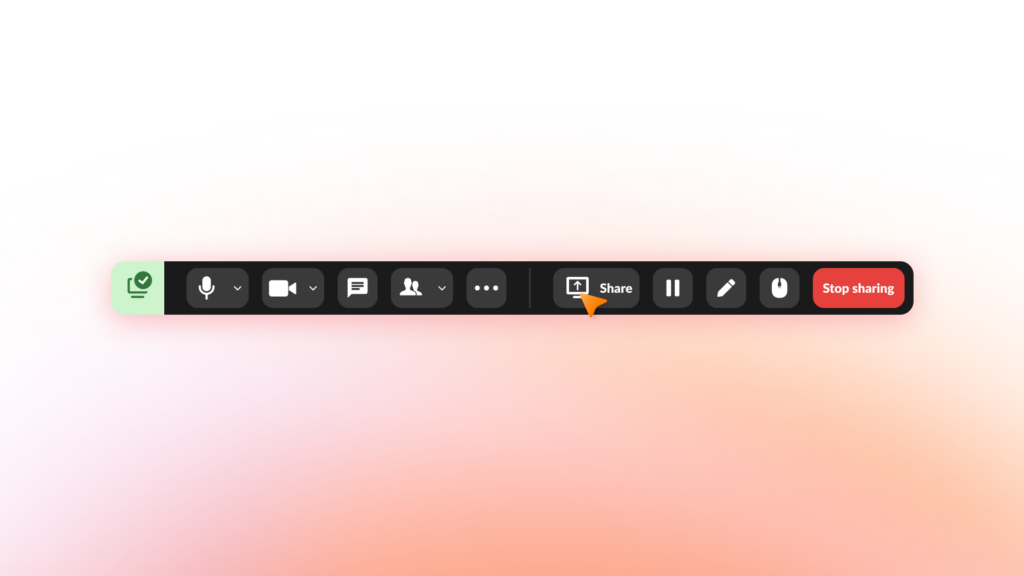
- Effortlessly switch content: Seamlessly switch between presentations, documents, or other screen shares by simply clicking “Share” again. No more fumbling to stop and restart your share—just choose your next piece of content and keep things flowing smoothly.
- Share preview: Always know what you’re sharing with a helpful preview that shows exactly what your audience is seeing. Share with confidence, knowing that what’s on your screen is intentional and aligned with your presentation goals.
- Pause your screen share: Need to temporarily stop sharing without ending your presentation? Use the pause screen share feature to control what’s shown without interrupting the flow of your meeting. This is perfect for moments when you need a quick reset or want to adjust your screen without exposing unintended content.
- Enhanced annotations: Enhance collaboration by adding annotations that stay visible on the screen until you’re ready to clear them. Whether it’s circling key data on a slide or underlining important text, persistent annotations help ensure your message sticks and keeps everyone on the same page.
With these tools, presenting has never been simpler—or more interactive. Whether you’re leading a training session, sharing a slide deck, or brainstorming in real time, the improved presenter toolbar works for you, making meetings more professional and efficient.
5. Redesigned flexibility for power users
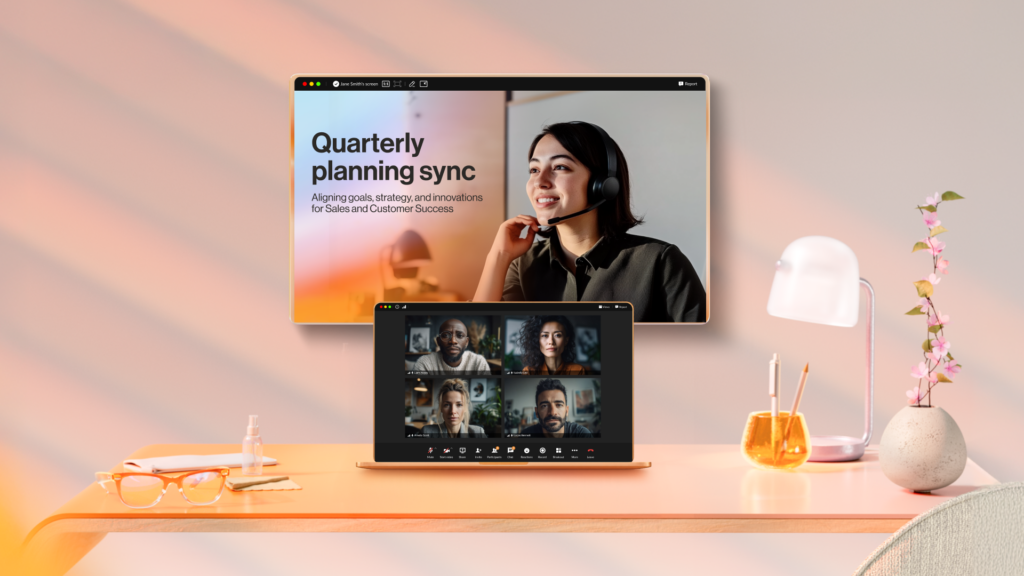
For those of you taking full advantage of dual screens or multitasking during meetings, the brand-new desktop experience includes features designed with you in mind.
Editable layouts and dual-display support mean you can arrange content the way that works best for you. For example:
- Keep shared content on one screen while having the participant gallery on another.
- Spotlight key presenters or prioritize active speakers dynamically, so you never miss an important contribution.
This layout flexibility gives you total control over how your meetings look and feel, making it easier to stay focused.
Intelligent AI that turns meetings into action
The new experience also includes new AI capabilities that reduce busywork, improve inclusion, and keep momentum—tied closely to RingEX so everything stays in one flow. They turn live discussions into structured, shareable intelligence that teams can immediately act on. These features are all part of our recently announced RingCentral AVA AI virtual assistant, with even more agentic capabilities for video meetings planned in the coming months.
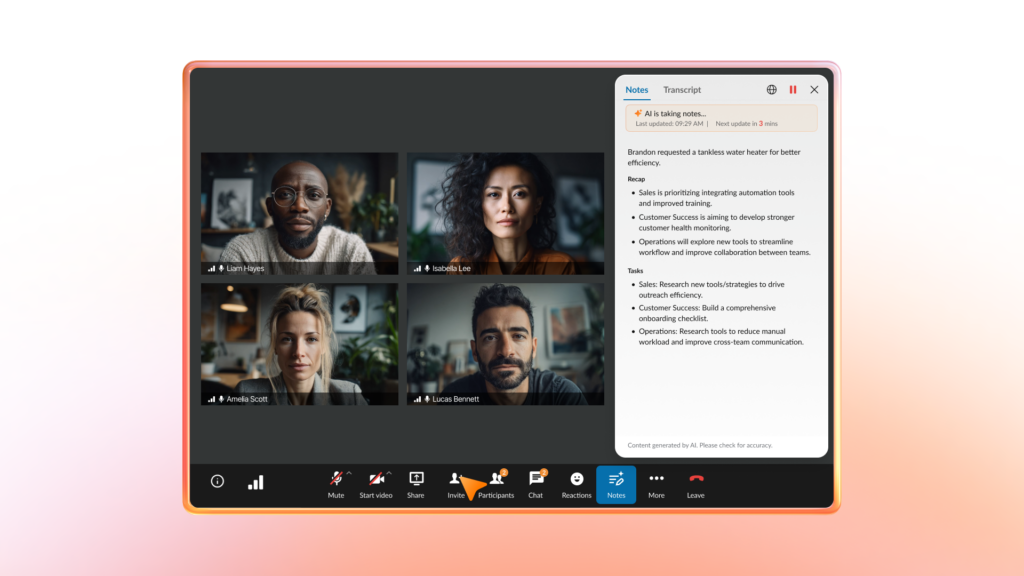
AI Notes for Meetings: If you’ve used our customer favorite AI notes for RingCentral phone calls, it’s now also available for video meetings! Get live and concise summaries of key points, decisions, and action items during the meeting with our live AI notetaker, with the ability to also catch you up with a summary of what’s been discussed if you joined the meeting late.

Best of all? The AI notes and action items are now also available post-meeting within the RingCentral app, alongside the existing transcripts, summaries, and other capabilities. It’s easier to follow up, share context, and move work forward on next steps without manual note-taking.
AI Notes for Meetings will be available by the end of Q1’26.
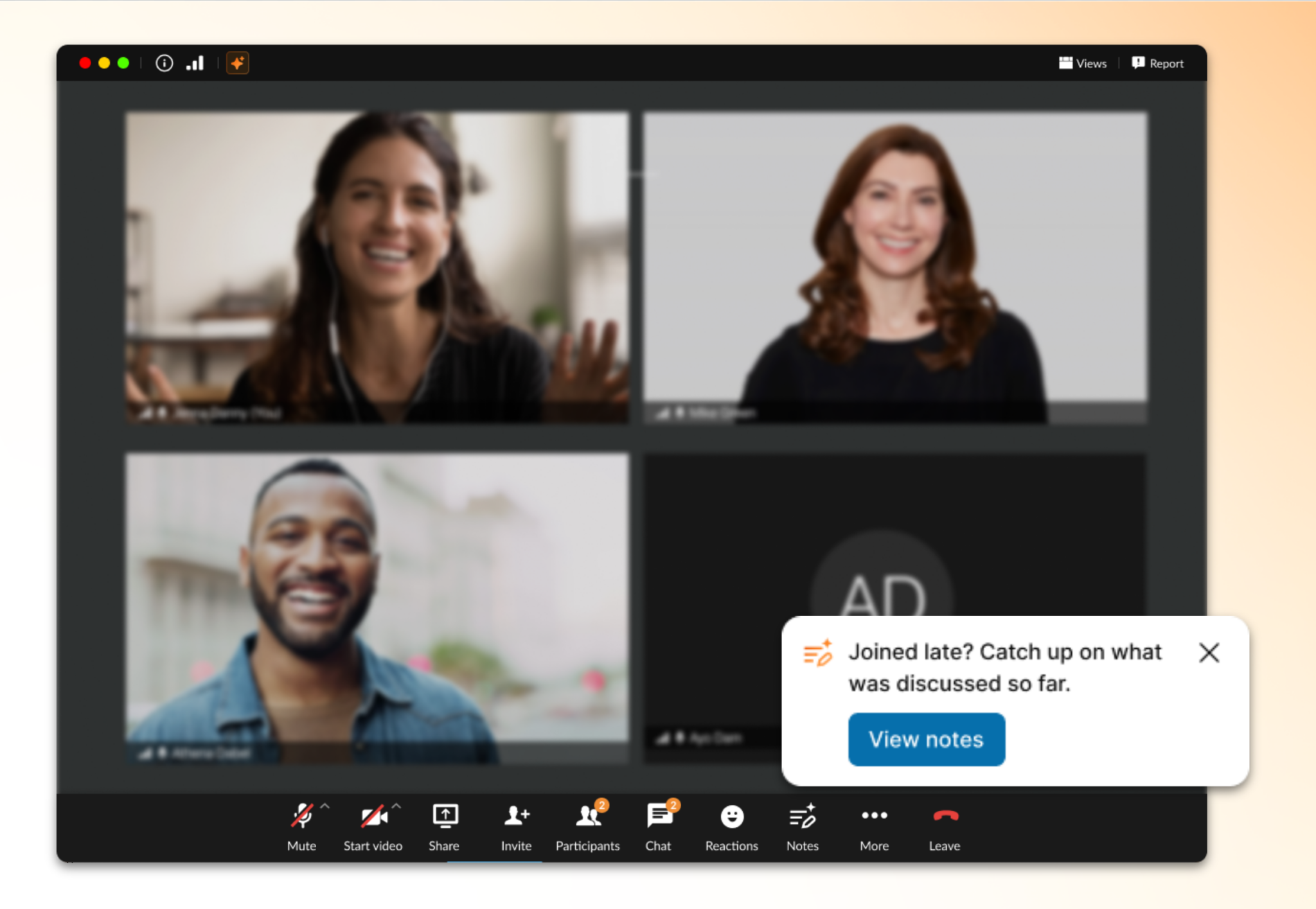
Catch Me Up: For those that joined late, they’ll be able to see a quick AI-powered summary of what’s happened so far – without needing to interrupt the meeting or ask “what did I miss?”
Catch Me Up will be available by the end of Q1’26.
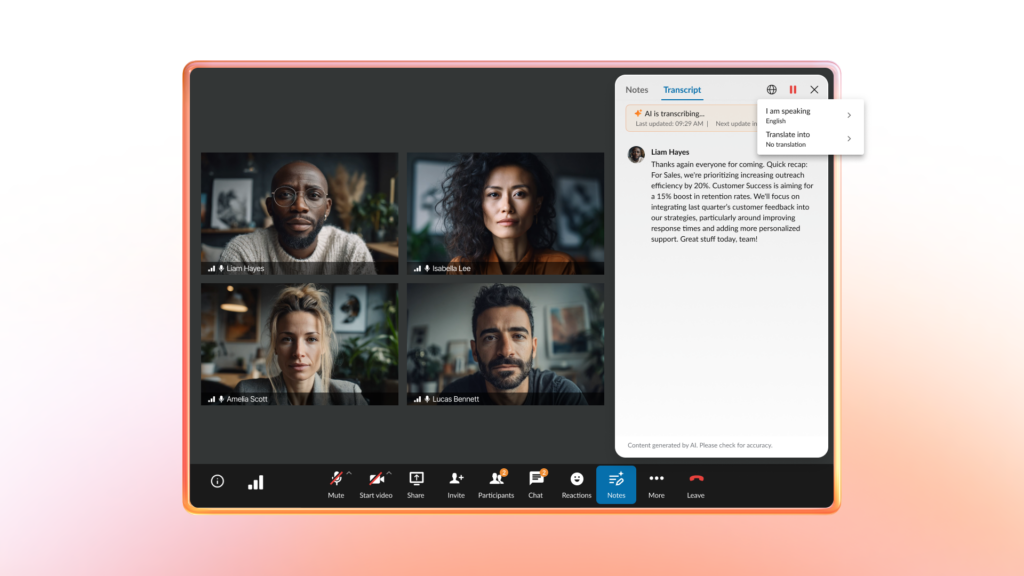
Live Transcripts & Closed Captions (with Translations): Follow along in real time with accurate transcription and captions, now with full translation support across 15+ languages. This helps distributed teams stay aligned and improves accessibility for everyone.
Available now for RingCentral customers
The new RingCentral Video desktop app experience is now generally available and currently rolling out to all licensed RingEX customers. Note that the new capabilities are only available in the new experience.
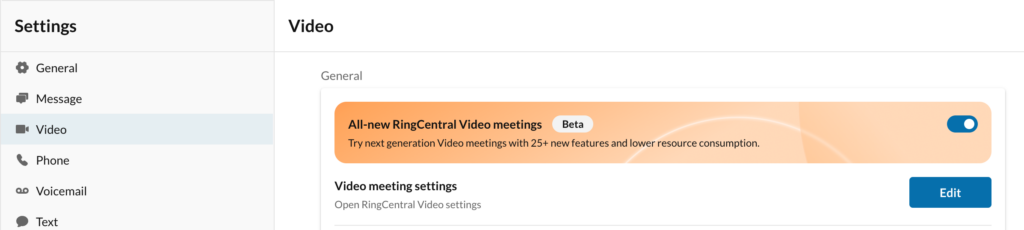
If you’re already using RingCentral Video, you’ll get access to the new experience at no additional cost with the latest app update. No need to update any meeting links or calendar integrations – all your settings will remain the same and work as they do today. If you don’t already have it, you can simply enable it by visiting the Video settings within your RingCentral desktop app.
With the new RingCentral desktop app experience, you’ll have smarter tools, better performance, and a more engaging way to collaborate—all rolled into one.
And if you didn’t know already, RingCentral Video is part of RingCentral’s video suite, AI Meetings, spanning meetings, rooms, webinars, town halls, and large-scale events. By bringing together your video experiences on a single platform, you gain consistent administration, security, analytics, and AI-driven insights across every interaction, from daily team meetings to company-wide events.
Want to try it out? Sign up today for a 14-day trial of RingEX, which includes video meetings, messaging, and phone all in one solution.
The post Video reimagined: New RingCentral Video desktop experience and AI capabilities appeared first on RingCentral Blog.